



















How to Choose the Right Salesforce Cloud for Your Business – A Complete Guide

Salesforce is a big name in Customer Relationship Management (CRM). They offer many cloud-based tools for different business needs. Choosing the right one can be tricky, especially for small to medium-sized businesses (SMBs), startups, and even large companies. This guide will explain the main Salesforce Clouds, helping you find the perfect fit.
Understanding Salesforce
Salesforce has a wide platform with cloud solutions to improve different parts of your business. This includes sales, marketing, customer service, and online selling. These clouds work together, sharing data and giving you a complete view of your customers.
Key Salesforce Clouds:
Here’s a simple explanation of the most popular Salesforce Clouds:
Sales Cloud:
Salesforce’s core CRM product for sales team management — providing lead and opportunity management, account and contact management, activity tracking, pipeline forecasting, and sales performance analytics. Sales Cloud is the most widely deployed Salesforce product and the typical starting point for Salesforce implementations.
Key features include:
-
- Lead Management: Find, sort, and connect with potential customers.
- Opportunity Management: Follow sales deals from start to finish.
- Account and Contact Management: Keep all customer information in one place.
- Sales Forecasting: Guess future sales based on past data.
- Workflow Automation: Let the system handle simple tasks to save time.
Service Cloud:
Salesforce’s customer service and support platform — providing case management, omni-channel routing (email, phone, chat, social, messaging), knowledge base management, field service management, and customer self-service portals. Service Cloud is designed for customer support teams managing high-volume service interactions.
Key features include:
-
- Case Management: Track and fix customer problems quickly.
- Omni-Channel Routing: Send customer requests to the right support person.
- Knowledge Base: Create a help center where customers can find answers themselves.
- Live Chat: Offer instant help to customers on your website.
- Social Customer Service: Watch social media for customer comments and reply quickly.
Marketing Cloud:
Salesforce’s enterprise marketing automation platform for B2C digital marketing — covering email marketing, SMS/mobile messaging, social media advertising, digital advertising, and customer journey automation. Marketing Cloud Engagement (formerly ExactTarget) and Marketing Cloud Account Engagement (formerly Pardot, for B2B marketing automation) are the two primary Marketing Cloud products.
Key features include:
-
- Email Marketing: Design and send targeted email campaigns.
- Social Media Marketing: Manage your social media and talk to customers.
- Mobile Marketing: Send texts and app messages to phones.
- Journey Builder: Create automatic customer journeys based on what they do.
- Advertising Studio: Connect marketing with advertising.
Einstein AI:
Salesforce’s embedded AI layer available across all Salesforce Clouds — providing predictive lead scoring (which leads are most likely to convert), opportunity health scoring, automated email activity capture (Einstein Activity Capture), natural language query of CRM data (Einstein Copilot), and AI-generated email drafts and summaries.
Key features include:
-
- Predictive Analytics: Analyze past data to predict future outcomes like sales trends or customer behavior.
- Opportunity Insights: Get AI-driven suggestions on deals, including risks and recommended actions to close faster.
- Email Insights: Understand how customers respond to emails and get suggestions to improve engagement.
- Chatbots (Einstein Bots): Provide automated customer support with AI-powered chatbots that can answer questions and resolve issues.
- Next Best Action: Suggest the most effective action for sales or service teams based on customer data.
Commerce Cloud:
This cloud is for businesses that sell online. It has tools for managing products, orders, payments, and customer information.
Key features include:
-
- B2C Commerce: Build online stores to sell directly to customers.
- B2B Commerce: Create online portals for selling to other businesses.
- Order Management: Handle orders from when they are placed to when they are delivered.
- Product Management: Organize and manage product information.
- Payment Processing: Connect to different payment systems for safe transactions.
Experience Cloud (formerly Community Cloud):
This cloud lets businesses create online spaces for customers, partners, and employees. It helps people work together, share information, and find help themselves.
Key features include:
-
- Customer Communities: Create online forums for customers to talk and find support.
- Partner Communities: Help partners work together and find what they need.
- Employee Communities: Improve communication and information sharing inside the company.
- Knowledge Management: Give people access to important information.
Choosing the Right Cloud for Your Business:
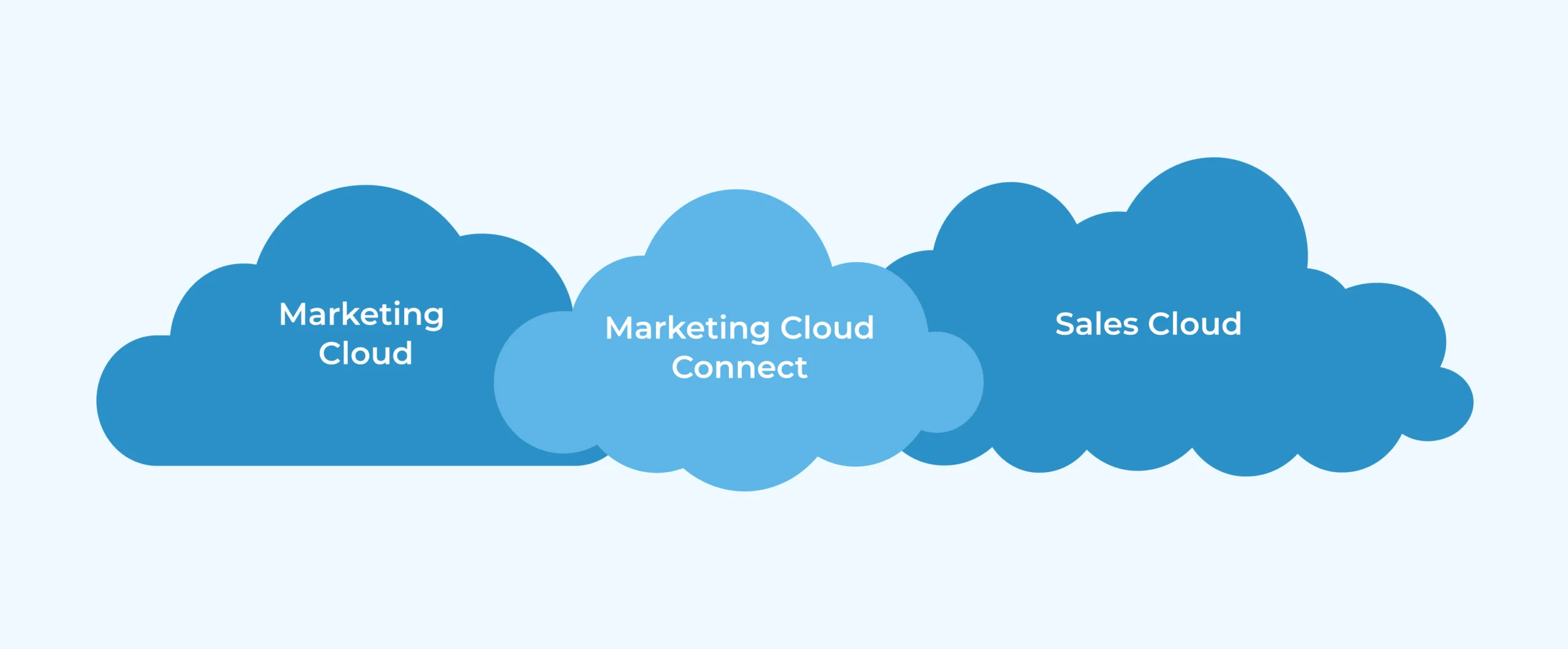
Salesforce Cloud for Your Business
Picking the right Salesforce Cloud depends on what your business needs. Here’s a simple guide:
-
- Focus on Sales: If your main goal is to sell more, Sales Cloud is the best choice. It gives you the tools to manage leads, track deals, and predict sales.
- Focus on Customer Service: If great customer service is most important, Service Cloud is the answer. It helps your team handle customer requests, give personal help, and fix problems quickly.
- Focus on Marketing: If you want to create personal marketing and talk to customers in different ways, Marketing Cloud is the right fit. It has tools for email, social media, and mobile marketing.
- Focus on Online Selling: If you need to create and manage an online store, Commerce Cloud is the solution. It has everything you need to manage products, orders, and payments.
- Focus on Online Communities: If you want to create online spaces for customers, partners, or employees, Experience Cloud is the best option. It helps people work together and share information.
Things for Small Businesses and Startups to Think About:
Small businesses and startups often have less money and may not need all the fancy features. Here are some things to consider:
-
- Essentials and Professional Editions: These versions offer basic features at a lower cost.
- Scalability: Choose a tool that can grow with your business.
- Setup Time: Think about how much time and work it will take to get started.
Things for Large Companies to Think About:
Large companies often need more advanced features and ways to connect with other systems. Here are some things to consider:
-
- Enterprise and Unlimited Editions: These versions offer more features and ways to customize the system.
- Connecting with Other Systems: Make sure it works with your existing CRM, ERP, and other tools.
- Customization: Think about if you need special changes to the system.
Connecting and Customizing:
One of the best things about Salesforce is that it can connect with other tools and be changed to fit your needs. Salesforce has a strong API and many apps on the AppExchange marketplace, letting you add more features to your Salesforce Cloud.
Conclusion:
Choosing the right Salesforce Cloud is important for any business. By understanding what each cloud does and thinking about your business needs, you can pick the perfect tool to grow. Remember to think about your budget, how much you need to grow, and if you need to connect with other tools or make special changes. By planning carefully, you can use Salesforce to improve your business.
This guide is just a start. Talking to a Expert Salesforce Consulting Firm can give you helpful advice and help you make the best choice for your company. They can look at your needs and suggest the best Salesforce Cloud and how to get started.
Key Takeaway
-
- Most businesses start with Sales Cloud — it is the foundation of the Salesforce ecosystem and provides immediate CRM value.
- Choosing the wrong Salesforce Cloud wastes budget — Marketing Cloud for B2C is fundamentally different from Marketing Cloud Account Engagement for B2B.
- Multi-cloud Salesforce implementations deliver the highest ROI when clouds share a unified data model — poorly integrated multi-cloud deployments create new data silos.
- Salesforce licensing complexity is a frequent implementation cost surprise — always get a licensing analysis before committing to a multi-year contract.
- AppExchange managed packages extend Salesforce significantly — evaluating what’s available before building custom solves many requirements faster and cheaper.
- Salesforce’s annual release cycle (Spring, Summer, Winter) delivers 150+ new features per year — organizations that track and adopt relevant features continuously improve ROI.